

Tracking Awareness: 3 Metrics You Can't Ignore
Article Summary
The Problem: MedTech marketers frequently mistake high top-of-funnel channel impressions for actual brand awareness, ignoring the fact that impressions only measure absolute reach rather than audience mindshare or recall.
The Solution: To accurately quantify campaign success, marketing teams must move past surface-level metrics and track user actions across organic search engines and website analytics platforms.
The MedTech Reality: Measuring awareness by solely counting channel impressions while ignoring PR coverage, website analytics and organic search data skews campaign performance results and leads to incorrect strategic business decisions.
The Takeaway: This article outlines three overlooked analytics metrics—Organic Search Impressions, Non-Branded Category Visibility, and New User Session behaviors—to help Product Managers measure true campaign mindshare.
What does it mean to measure awareness?
When running an awareness campaign, the most common metrics Med device marketers look at are the channel impressions - display, social media, emails - plus website traffic. However, impressions do not equal awareness, impressions signify reach. Just because an ad was shown in a newsfeed or screen, it doesn’t mean a user became aware of your product.
The Difference between Reach vs Awareness
A primary goal for an awareness campaign is to gain mindshare through maximizing reach, i.e. to show your message to a max number of the relevant target audience over a set period of time so they retain it. Therefore, you aim to gain mindshare, not impressions. As a Product Manager, think about your product launch strategy and all the channels you use - from your brand social media posts, employee amplification, executive posts, banners ads, eblasts and Marketo emails - in essence, you are sending the same message across all these channels to reach a max number of HCPs to tell them your product has launched.
How do you know when you’ve gained their mindshare? When they start seeking your product on their own.
To measure awareness, you need to go a step deeper and track the number of ad clicks, opened emails, social media engagements, website traffic data – actions that show a user stopped to pay attention to what’s being shared. This is the data that your Paid Media or Marketing Analytics manager pulls into a report.
What are the 3 metrics that most MedTech Marketers miss when tracking awareness?
1.Organic Search Impressions
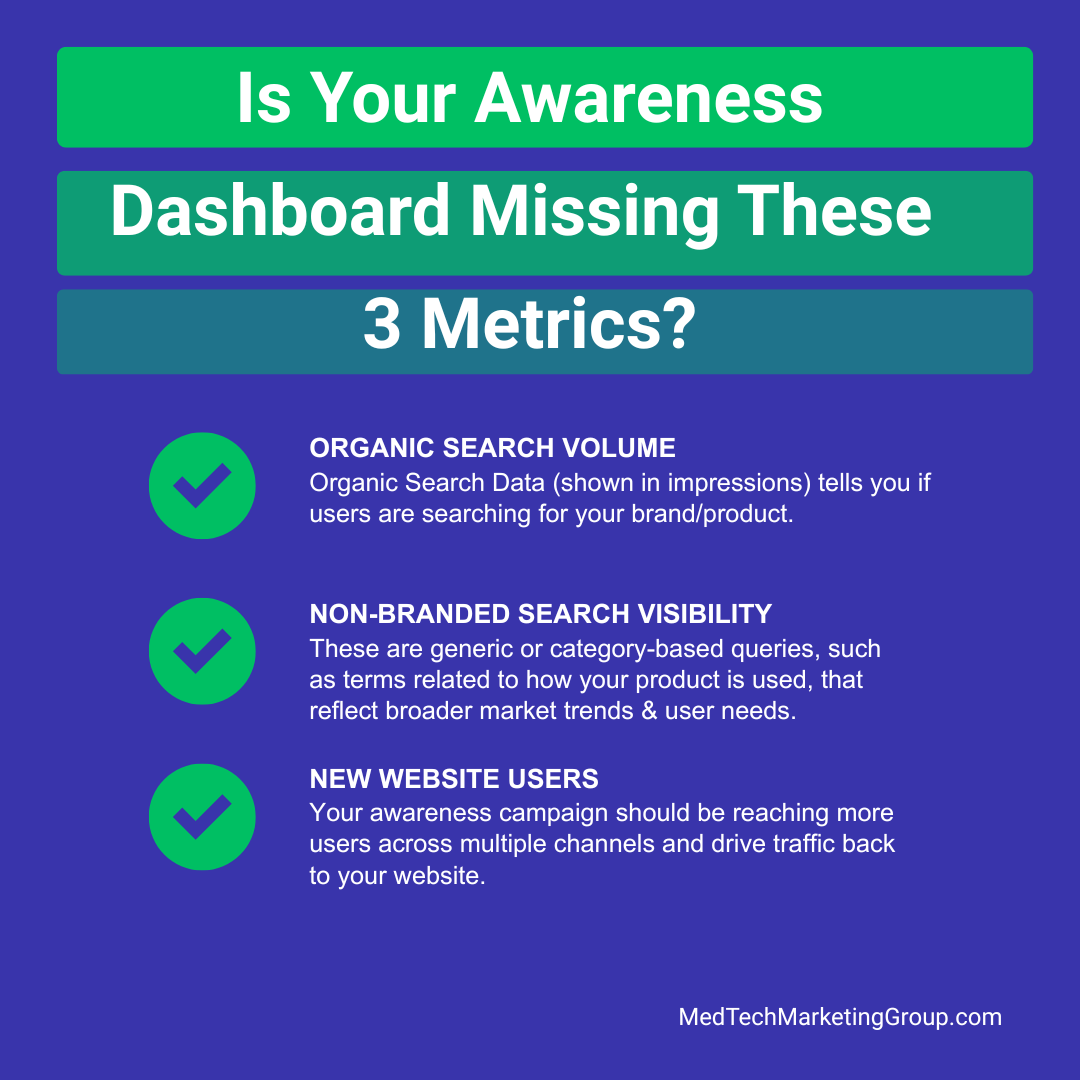
Organic Search Data (shown in impressions) tell you if users are searching for your brand/product. If the impressions are increasing, it signals that your product becomes top of mind. To measure lift, establish baseline search impressions before launch, so you can compare data before and after the campaign.
Note: You won’t see a shift in the first month. You need to run your campaign long enough to see the impact.
What exactly should you be tracking in organic search?
Total Impressions – all search queries that users type to arrive at your product website (branded + non-branded/category).
What does total impressions data tell you? Total Impressions data tells how influential your product/brand in your market. If more users are searching for your brand/product, it tells Google that you have an authority in this space, and Google will show your website more in search queries.
When a product gets FDA approval and the news are shared by third-party outlets, you earn PR coverage which signals to Google that you have authority. So this boost drives more traffic and higher CTR in organic searches, which is why amplifying reach across multiple channels is so important.
In my experience with MedTech data analytics, when reviewing website traffic data in Google Analytics, there’s always a spike in traffic that correlates to the news. So, it is important to look at PR coverage when measuring your awareness, even though it may not always align with the start of your “official” paid media awareness campaign.
Note: If you see CTR% increasing in your organic search, this means awareness campaign is working.
Branded Impressions – This includes any search query containing your brand name, product name, or a combination of both.
What does this data tell you? This is the fastest way to measure "brand lift" and determine if your awareness campaign is working. For a more granular look, you can review specific search terms to see which individual products or keywords are driving the most volume.
2. Non-branded Search Visibility
These are generic or category-based queries, such as terms related to how your product is used, that reflect broader market trends & user needs.
Why does this matter?
Non-branded search queries are important because they capture top-of-funnel users — those who don't know your product exist but discover it while searching for a solution. (Remember: users turn to search engines with a clear intent in mind—whether it’s to learn, find, or buy).
Top-of-Funnel Intent: "How it Works" Queries
Look for queries typical of top-of-funnel searches. When users first learn about your product, they often search for "how it works," "how to use" (product MOA), or "how to set up."
Broad Market Capture: Category Queries
Look for category queries - even if they aren’t searching for your product, you want to rank within the category. Example: If you product is used for coronary imaging, such as OCT or IVUS, you should look for search volume for “intravascular imaging” or “coronary imaging.”
Is your awareness campaign missing these 3 metrics
[+] Expand Data Table: Is Your Awareness Dashboard Missing These Three Metrics?
| Metric Focus Category | Traditional "Vanity" Metrics (What Most Track) | True Awareness Metrics (What You Should Track) |
|---|---|---|
| Top-of-Funnel Reach | Paid Channel Impressions & Ad Delivery Volumes | Organic Search Impressions (Lift against pre-launch baseline history) |
| Audience Mindshare | Total Clicks & Flat Click-Through Rates (CTR%) | Non-Branded Search Visibility (Category-specific & procedural intent) |
| Traffic Quality | Gross Website Page Views & Total Session Hits | New Website User Sessions (Net-new audience lift & content engagement time) |
3. New Website Users
Your awareness campaign should be reaching more users across multiple channels and drive traffic back to your website.
In your GA reporting, you should check for new users vs returning users. If you see a spike in new users - users who have never visited your website before - it signals that your awareness campaign is working.
You can find this data in your GA account under Report>Acquisition>User Acquisition or request this data from your Marketing Operations team.
Note: If the new users are increasing, but Average Engaged Time is flat, it means users are coming to your website, but not staying long enough to learn about your product.
Final Takeaway:
To effectively measure campaign awareness, it is not enough to look at looking at surface-level channel metrics. You have to look deeper — review organic search reports, monitor the non-branded search landscape, and track the increase in new website users to ensure you are truly gaining mind share with your target audience.
Need to make sense of your marketing campaign data? Get in touch - request a consulting call.
